
What to do if you suspect an employee took company data
When you suspect someone is leaving with client lists, files or source code, the order of your next steps decides whether you end up with evidence or with a wiped laptop and a he-said-she-said.
Reviewed by the ITRS security team · Last updated
Don't confront yet: preserve first
The instinct is to call the person in and ask. Don't, at least not yet. Once someone knows they're suspected, devices get reset, personal cloud accounts get emptied and messages get deleted. A short, quiet preservation step keeps every option open: a negotiated return of data, court remedies, a termination decision, or nothing at all if the suspicion turns out to be wrong.
Limit who knows to the smallest group possible: typically one executive, HR, your lawyer and whoever will handle the technical preservation.
Secure the devices and accounts
- Company laptop and phone: collect them in the normal course where you can (for example, at departure), keep them powered off or as found, and lock them away with a note of who handled them and when.
- Microsoft 365 or Google Workspace: place the mailbox and OneDrive/Drive on hold or retention so deletions are preserved. Don't delete the account when the person leaves.
- Audit and activity logs: export them for the relevant period before they age out. In Microsoft 365, Audit (Standard) records are kept for 180 days by default.
- Other systems: CRM, accounting, source code repositories, file servers, VPN and badge logs.
- Record serial numbers, account names and dates. This is the start of your chain of custody.
Don't let IT 'have a look'
A well-meaning IT person who boots the laptop, browses folders and plugs in USB drives changes the very timestamps a forensic examiner relies on. Recent-file lists, USB connection records, last-access times and browser history all shift. Opposing counsel will ask who touched the device before it was imaged, and why.
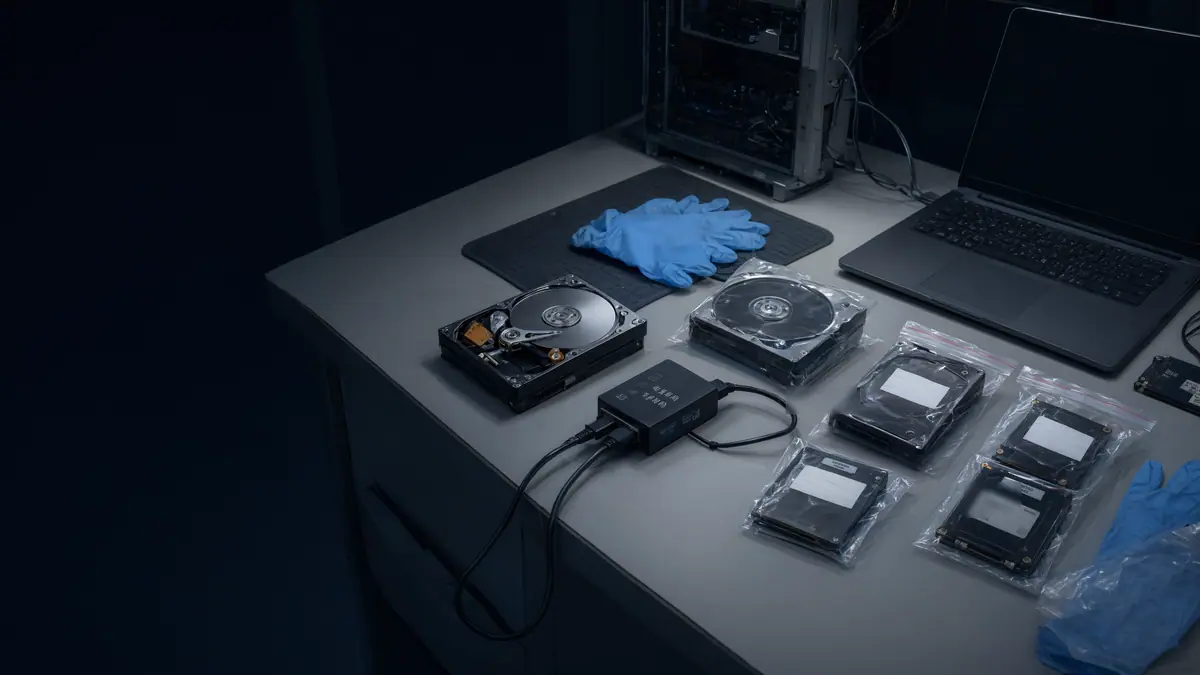
The international standard for handling digital evidence (ISO/IEC 27037) and NIST's guide to integrating forensics into incident response (SP 800-86) start from the same principle: identify, collect and preserve evidence in a way that can be shown not to have altered it. That means forensic imaging with write-blocking and hash verification, done by someone who can later explain it under oath if needed.
Involve counsel and HR
Employment law, contract terms (confidentiality, non-solicitation, IP assignment) and privacy all come into play. Employees have privacy interests even on work devices, and the Office of the Privacy Commissioner of Canada has published guidance on privacy in the workplace that bears on how monitoring and investigation are carried out. Your acceptable-use policy and employment agreements matter here.
Having counsel direct the investigation can help protect the findings with privilege and keeps the scope proportionate. It also lines up the evidence for whatever remedies your lawyer may pursue.
Questions forensics can answer
| Question | Where the answer usually comes from |
|---|---|
Were files copied to USB drives? | Windows/macOS device connection artifacts, file access records |
Were files uploaded to personal cloud or webmail? | Browser history, cloud sync client logs, proxy/firewall logs |
Were files emailed to a personal address? | Mailbox content, message trace, audit log |
Were large downloads made from SharePoint, OneDrive or the CRM? | Microsoft 365 audit log, application logs |
Was anything deleted to cover tracks? | File system analysis, recycle bin, retention holds |
When did this start? | A timeline built across all of the above |
Next steps
Once evidence is preserved and you know what it shows, your lawyer can decide on the approach. That might be a letter demanding return and deletion, a forensic undertaking from the employee, negotiation with the new employer, or court remedies. If client personal information was taken, there may also be a privacy breach to assess and record.
If the matter may go to litigation, findings should be documented so an independent expert can explain them. We offer expert-witness work for these cases. Call the 24/7 line at (289) 582-9930 to start preservation.
Related reading.
- PageUnder attack? Start hereIf something is wrong right now, this page tells you what to do in the next few minutes, what to avoid, and which step-by-step guide fits what you are seeing.
- ServiceDeparting employee and IP theft investigationsAn employee has resigned, possibly to a competitor, and you need to know whether they took client lists, pricing or source files.
- ServiceDigital forensics in Toronto: computers, phones, Microsoft 365 and Google WorkspaceIT Rapid Support provides digital and computer forensics services for businesses in Toronto, the GTA and Ontario, focused on Microsoft 365, Exchange Online and Google…
- GuideWhat to do if a former employee still has accessYou've found that someone who left can still sign in somewhere: email, a SaaS app, the VPN, a shared password. Cut the access, then find out whether it was used.

Under attack right now?
Call before you reset passwords, wipe a laptop or pay anyone. A responder will help you contain the incident without destroying the evidence you will need later.