
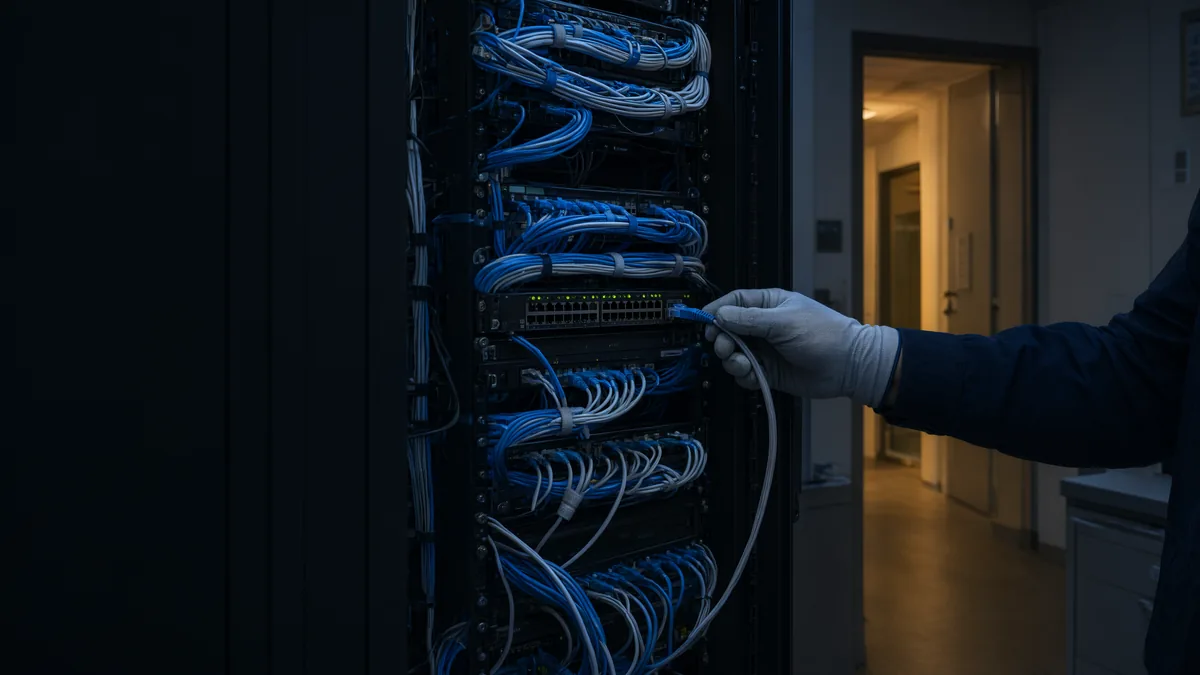
Family Device Management and Privacy
Every phone, tablet and laptop in the household set up properly, kept current and handed back cleanly.
Reviewed by the ITRS security team · Last updated
Overview
A household can have dozens of devices across the family, the children and the staff, each with its own accounts and settings. We set them up under one plan, apply sensible privacy and parental controls, keep them updated and backed up, and remove access properly when a nanny, assistant or house manager moves on.
What we look after
Device setup
Phones, tablets and laptops enrolled, encrypted, updated and backed up.
Children
Age-appropriate controls, location sharing and app approval set up with parents.
Household staff
Staff get their own accounts and devices, never a family member's login.
Offboarding
Access, shared passwords and devices recovered the day someone leaves.
Household staff are the gap most families miss
House managers, assistants, nannies, drivers and housekeepers often need calendars, cameras, door codes, delivery accounts and sometimes a family card. The easy route is to share a family member's login or a common password, and that access tends to outlast the job.
We give staff their own accounts and, where it makes sense, a household-owned phone, with access limited to what the role needs. When someone leaves we follow a written checklist: accounts closed, door and Wi-Fi codes changed, shared vault items rotated, and the device wiped and returned. The family also gets a plain record of who has access to what, which is the first thing to check if something goes missing.
A staff departure checklist
When someone leaves the household, we work through a written list rather than relying on memory.
Departures are rarely planned around IT. A nanny moves on at the end of the school year, an assistant leaves on short notice, a house manager retires after many years. The checklist works the same way in each case, and it is quicker when staff were given their own accounts from the start, because nothing the family uses every day has to change.
We also review staff access once or twice a year, since roles drift and access tends to accumulate.
- Close or disable the staff member's household accounts and remove them from shared calendars and groups.
- Rotate any shared vault items, delivery accounts or subscriptions they used.
- Change door codes, alarm codes, gate codes and the Wi-Fi password they knew.
- Recover and wipe household-owned devices, or remove household apps and accounts from their own phone.
- Remove their access to cameras and smart home apps.
- Record what was changed and when, and give the family a copy to keep with the property record.
How a private client engagement starts
Every private client engagement follows the same four stages, whatever the size of the household.
Confidential call
People, properties and concerns discussed in confidence before anything is written down.
Inventory
Every account, device, network and property system listed with its owner.
Secure
Sign-in, recovery, networks and devices fixed in order of risk.
Look after
Updates, monitoring and a direct line, with records kept current as the household changes.
Frequently asked questions
Parents set the rules and we put them in place: screen time, app approval, content filters and location sharing, using the controls built into Apple and Google devices. Settings are loosened as children get older.
No. Give staff their own accounts and, where needed, a household-owned device. Access can then be limited to the job and removed cleanly without changing the family's own passwords.
If the household owns it, it is returned, wiped and reissued. If it is the employee's own phone, we remove household accounts, apps and access from it. Either way, door codes, alarm codes and Wi-Fi passwords they knew are changed.
Yes. We set up backups for phones and computers, check that they actually complete, and make sure important photos and documents are not stored in only one place.
Related private client services
Private client work usually spans more than one of these areas. Each page below covers a part of the same service.
Related work.
- Case studyFrom Breach Forensics to a Company-Wide Identity PlanFrom reconstructing a 2018 mailbox compromise minute by minute to scoping centralized Entra ID and Intune management for a 40 to 50 person pharma firm.
- Case studyRecovering a Total ERP Database Outage in a Single MorningHow IT Rapid Support traced a total Spire database outage to a changed server network profile and had every affected workstation back the same morning.
Related.
- ServicePrivate IT and Cybersecurity for Families and Family OfficesPrivate IT and cybersecurity for principals, their families, their homes and the family office, from our offices in Vaughan, Toronto and Vancouver.
- ServicePersonal Cybersecurity for Executives and FamiliesWhen the company is hard to break into, attackers go after the person. We close the personal gaps quietly.
- ServicePrivate Residence and Estate TechnologyLarge homes collect a lot of technology. We make it work together, keep it secure and take responsibility for it.
- ServiceFamily Office IT and CybersecurityA family office runs like a small firm with a large target on it. We run its IT the way a careful firm would.
- ServicePrivate Client Incident ResponseWhen a family member's account is taken over, a phone number is stolen or someone is being threatened online, the household needs calm, private help.
Want this handled for your business?
Tell us your users, devices and sites. We are staffed 24/7 and reply with next steps. Quotes are built from your environment, not a price list. Active incident? Call (289) 582-9930, 24/7.